
Breakpoints
Conditional breakpoints reduce noise in loops. Evaluate expressions while paused to verify state without rebuilding.
Workflow
Use these sections as an on site map. Each block focuses on decisions you make weekly: how to structure work, how to run the right variant, and how to keep SDKs predictable across teammates.
Android Studio projects usually contain one app module plus optional library modules, feature modules, and test modules. Keep Gradle settings centralized in settings.gradle.kts or settings.gradle so new engineers see the same module graph.
Align applicationId with your Play Console listing. Internal package names can evolve more slowly than store listings, but avoid duplicate namespaces across modules.
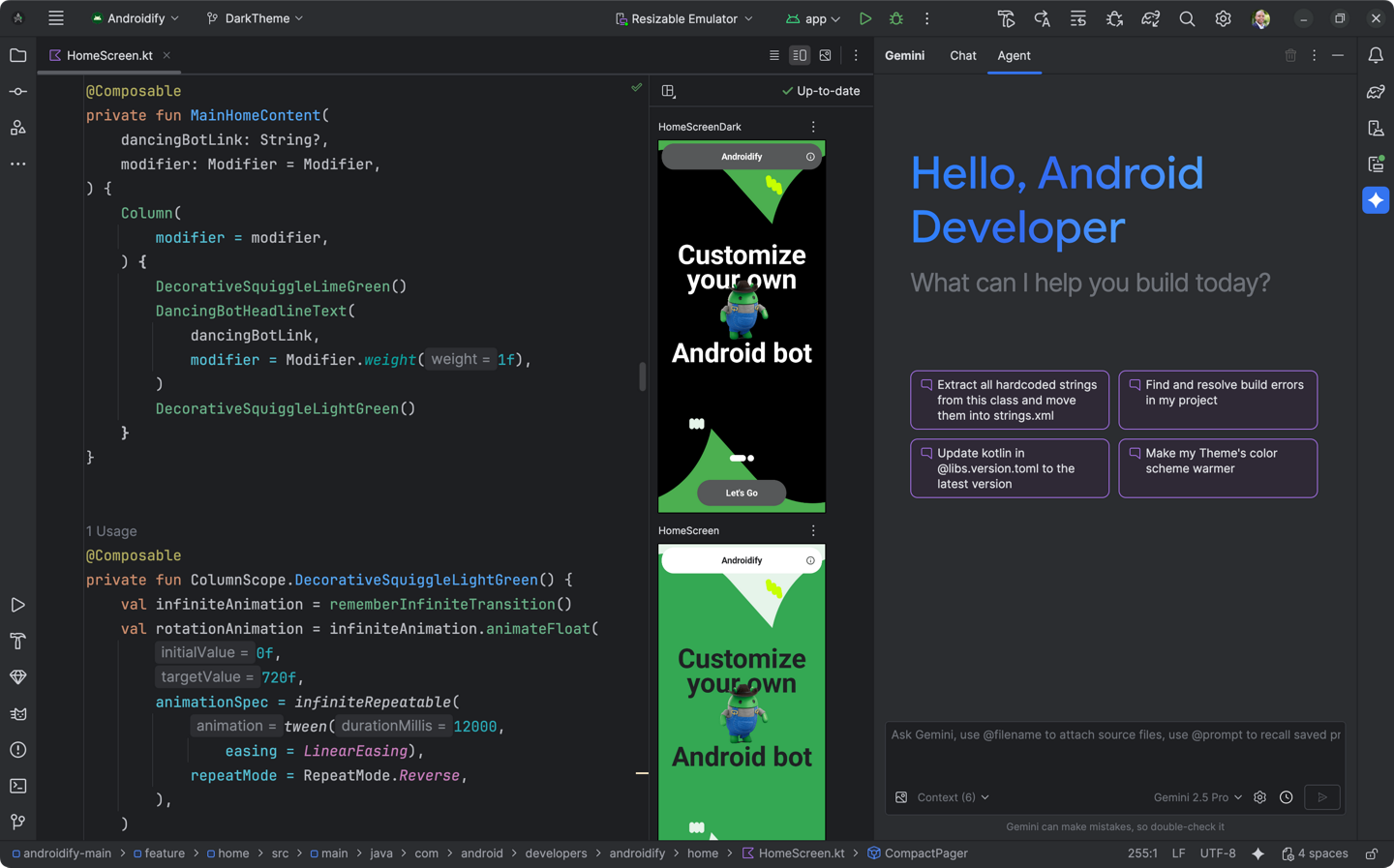
Run configurations capture the module, build variant, launch activity, and deployment target. Duplicate configurations per flavor when QA needs a consistent shortcut to staging endpoints.
Conditional breakpoints reduce noise in loops. Evaluate expressions while paused to verify state without rebuilding.
Attach to running processes when reproducing issues that only appear after long sessions or deep navigation stacks.
Install the compileSdk that matches your target roadmap, not only the device you own today. Keep build tools and platform tools updated in step with Android Gradle Plugin release notes to avoid mismatched dexer behavior.
Android Studio integrates Git workflows in the commit tool window with diffs for Kotlin, XML, and resources. Use partial commits carefully with generated files: many teams ignore local IDE files while keeping Gradle wrappers versioned.
For merge conflicts in build.gradle.kts, resolve dependency declarations first, then sync, then resolve code conflicts so the indexer sees accurate classpath information.