Android Studio

Android Studio

androidstudio.pro

Download
Menu v

Install

Download Android Studio

Choose your platform, pick an update channel, and confirm your machine meets the baseline below. androidstudio.pro does not host Google installers. Use your approved software source for the actual package file.

Packages

Download by platform

Pick the installer that matches your operating system. Cards summarize format and architecture. Obtain the file from your organization or official Android Studio distribution channel.

W

Windows

Guided .exe for most setups. Zip archives suit managed deployments and custom install paths.

  • * 64-bit Windows 10 or newer
  • * Enable virtualization in BIOS for emulators
  • * Stable or preview channel available
Download for Windows

Review Windows requirements below before installing.

M

macOS

Separate builds for Apple silicon and Intel. Match your chip for best emulator and native tool performance.

  • * Apple silicon (M series) or Intel Mac
  • * Grant debugging permissions when prompted
  • * Recent macOS version recommended
Download for macOS

Choose the architecture that matches your Mac.

L

Linux

Tarball installs are common. Add desktop entries and PATH exports per your distribution policy.

  • * 64-bit distribution with GTK support
  • * KVM for hardware-accelerated emulators
  • * Install required 64-bit libraries
Download for Linux

Verify KVM and library dependencies first.

Channels

Update channels

Android Studio publishes stable builds for daily development and preview builds for early adopters. Stable is recommended for production teams.

Recommended

Stable channel

Best default for most developers. Receives regular bug fixes and platform updates on a predictable cadence. Pair stable Studio with stable Android Gradle Plugin versions unless you have a documented exception.

  • * Recommended for CI images and shared team environments
  • * Lower risk when upgrading mid milestone
Early access

Preview channel

Try upcoming tooling changes before they reach stable. Useful for library authors and teams validating Compose or Gradle changes early. Keep a parallel stable install for critical deadlines.

  • * Expect occasional regressions in sync or layout tools
  • * Read release notes before upgrading preview week to week

Hardware

System requirements summary

Windows detail below mirrors official guidance. For macOS and Linux specifics, see the full system requirements page.

System requirements for Windows

Minimum and recommended specs for Studio alone and Studio with the Android Emulator.

Requirement Minimum Recommended
OS 64-bit Microsoft Windows 10 Latest 64-bit version of Windows
RAM Studio: 8 GB
Studio and Emulator: 16 GB
32 GB
CPU Virtualization support required (Intel VT-x or AMD-V, enabled in BIOS). CPU microarchitecture after 2017. Intel 8th Gen Core i5 or AMD Zen Ryzen (for example Intel i5-8xxx, Ryzen 1xxx). Latest CPU microarchitecture. Intel Core i5, i7, or i9 (suffixes H, HK, HX for laptop or S, F, K for desktop) or AMD Ryzen 5, 6, 7, or 9 series.
Intel Core N-Series and U-Series processors are not recommended due to insufficient performance.
Disk space Studio: 8 GB of free space
Studio and Emulator: 16 GB of free space
Solid state drive with 32 GB or more
Screen resolution 1280 x 800 1920 x 1080
GPU Studio: None
Studio and Emulator: GPU with 4 GB VRAM such as Nvidia GeForce 10 series or newer, or AMD Radeon RX 5000 or newer with latest drivers
GPU with 8 GB VRAM such as Nvidia GeForce 20 series or newer, or AMD Radeon RX 6600 or newer with latest drivers

macOS snapshot

Apple silicon or Intel Mac with 16 GB RAM or more, SSD storage, and recent macOS. Emulator performance is best on native architecture builds.

Linux snapshot

64-bit distribution, 16 GB RAM for emulator workflows, KVM enabled, and free SSD space for SDKs, Gradle caches, and system images.

Setup

First launch checklist

  1. 1 Finish the setup wizard and choose a standard or custom SDK path.
  2. 2 Install at least one recent Android platform and a matching system image for the emulator.
  3. 3 Create a new empty project to validate Gradle sync and JDK detection.
  4. 4 Enable or disable analytics according to your organization policy.
  5. 5 Open SDK Manager when you need NDK, CMake, or additional build tools.
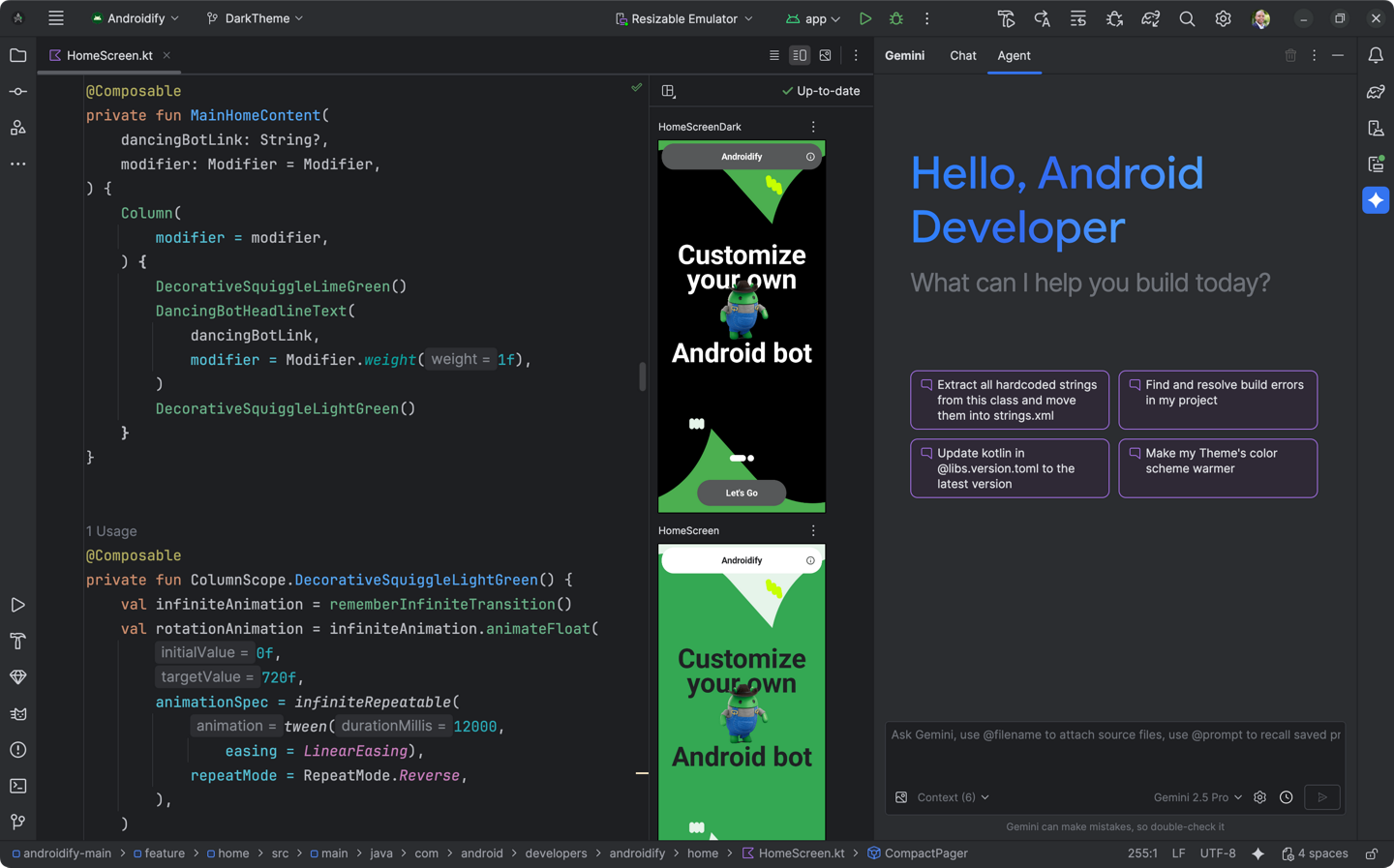
Android Studio welcome and project window

Screenshot from local media for layout reference only.

Download